
Spectral Axes, Velocity Frames and Conventions#
This notebook shows how to change spectral axes to represent different rest frames and Doppler conventions.
You can find a copy of this tutorial as a Jupyter notebook here or download it by right clicking here and selecting “Save Link As”.
Loading Modules#
We start by loading the modules we will use for the data reduction.
For display purposes, we use the static (non-interactive) matplotlib backend in this tutorial. However, you can tell matplotlib to use the ipympl backend to enable interactive plots. This is only needed if working on jupyter lab or notebook.
# Set interactive plots in jupyter.
#%matplotlib ipympl

# These modules are required for working with the data.
from dysh.fits.gbtfitsload import GBTFITSLoad
from astropy import units as u

# These modules are only used to download the data.
from pathlib import Path
from dysh.util.download import from_url
Data Retrieval#
Download the example SDFITS data, if necessary.
url = "http://www.gb.nrao.edu/dysh/example_data/positionswitch/data/AGBT05B_047_01/AGBT05B_047_01.raw.acs/AGBT05B_047_01.raw.acs.fits"
savepath = Path.cwd() / "data"
savepath.mkdir(exist_ok=True) # Create the data directory if it does not exist.
filename = from_url(url, savepath)
Data Loading#
sdfits = GBTFITSLoad(filename)
sdfits.summary()
| SCAN | OBJECT | VELOCITY | PROC | PROCSEQN | RESTFREQ | DOPFREQ | # IF | # POL | # INT | # FEED | AZIMUTH | ELEVATION |
|---|---|---|---|---|---|---|---|---|---|---|---|---|
| 51 | NGC5291 | 4386.0 | OnOff | 1 | 1.420405 | 1.420405 | 1 | 2 | 11 | 1 | 198.3431 | 18.6427 |
| 52 | NGC5291 | 4386.0 | OnOff | 2 | 1.420405 | 1.420405 | 1 | 2 | 11 | 1 | 198.9306 | 18.7872 |
| 53 | NGC5291 | 4386.0 | OnOff | 1 | 1.420405 | 1.420405 | 1 | 2 | 11 | 1 | 199.3305 | 18.3561 |
| 54 | NGC5291 | 4386.0 | OnOff | 2 | 1.420405 | 1.420405 | 1 | 2 | 11 | 1 | 199.9157 | 18.4927 |
| 55 | NGC5291 | 4386.0 | OnOff | 1 | 1.420405 | 1.420405 | 1 | 2 | 11 | 1 | 200.3042 | 18.0575 |
| 56 | NGC5291 | 4386.0 | OnOff | 2 | 1.420405 | 1.420405 | 1 | 2 | 11 | 1 | 200.8906 | 18.1860 |
| 57 | NGC5291 | 4386.0 | OnOff | 1 | 1.420405 | 1.420405 | 1 | 2 | 11 | 1 | 202.3275 | 17.3853 |
| 58 | NGC5291 | 4386.0 | OnOff | 2 | 1.420405 | 1.420405 | 1 | 2 | 11 | 1 | 202.9192 | 17.4949 |
Data Reduction#
Next we fetch and calibrate the position switched data. We will use this data to show how to change rest frames and Doppler conventions.
psscan = sdfits.getps(scan=51, ifnum=0, plnum=0, fdnum=0)
Create the time-averaged spectrum.
ta = psscan.timeaverage()
Changing the x-axis of a Spectrum Plot#
Note this changes the axis of the plot but does not affect the underlying Spectrum object.
Default Rest Frame#
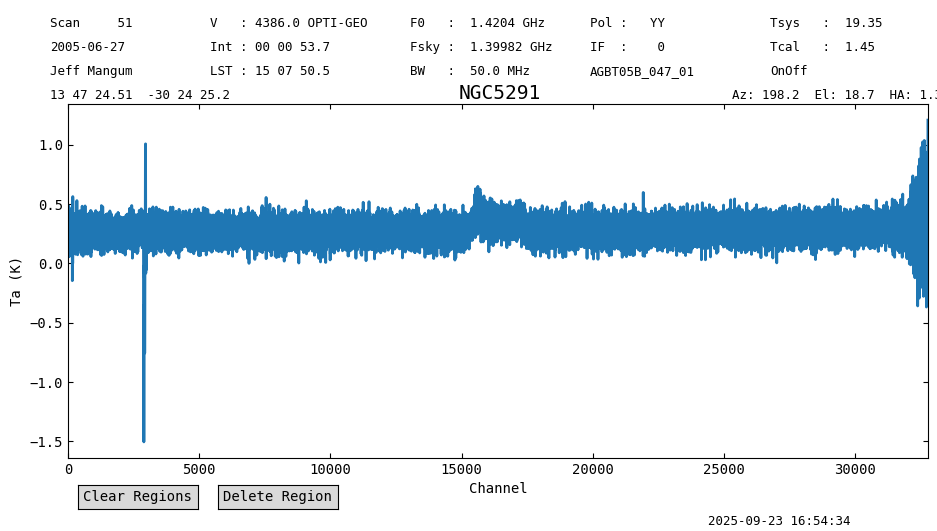
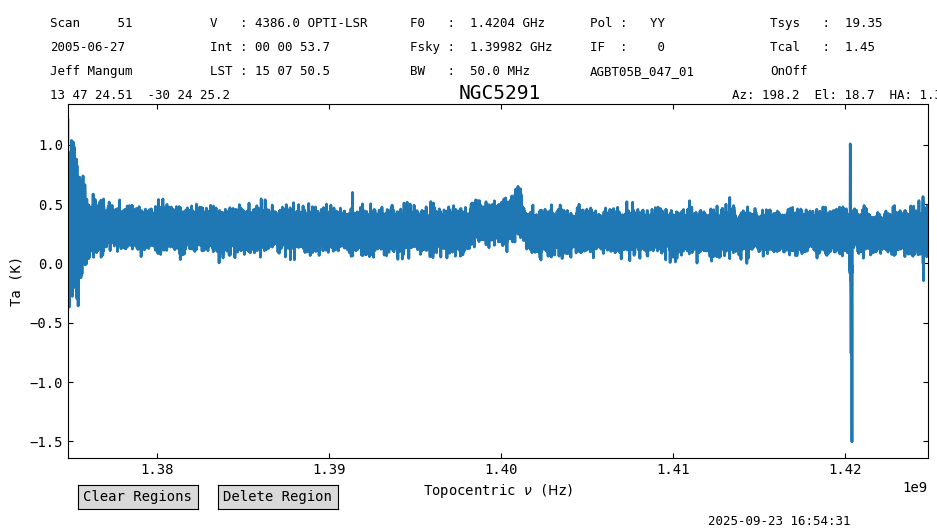
The default plot uses the frequency frame and Doppler convention found in the SDFITS file. In this case, that is topocentric frame and the optical convention.
ta.plot()
<dysh.plot.specplot.SpectrumPlot at 0x6ffbb9721f90>
Change Rest Frame#
You can change the velocity frame by supplying one of the built-in astropy coordinate frames. These are specified by string name.
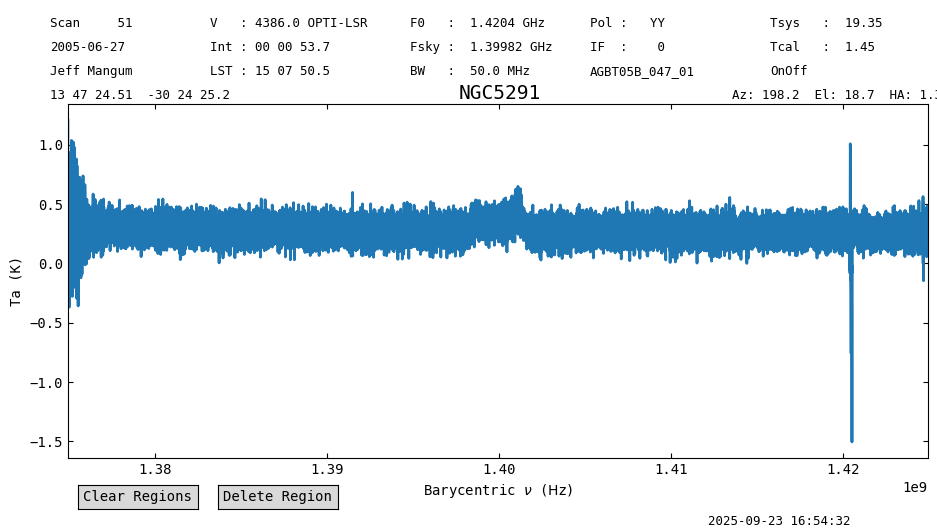
For example, to plot in the barycentric frame use "icrs". The change here is small, a shift of 22.8 kHz.
ta.plot(vel_frame='icrs')
<dysh.plot.specplot.SpectrumPlot at 0x6ffbb9721f90>
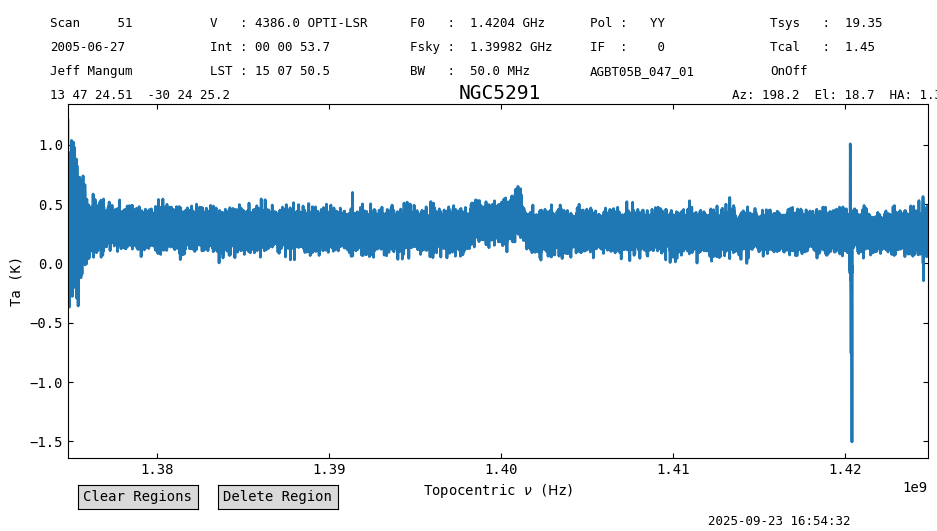
In addition to the astropy frame names, we also allow 'topo' and 'topocentric'.
ta.plot(vel_frame='topo')
<dysh.plot.specplot.SpectrumPlot at 0x6ffbb9721f90>
Doppler Convention#
One can also change the Doppler convention between radio, optical, and relativistic.
Here we also change the x-axis to velocity units and use LSRK frame.
ta.plot(vel_frame='lsrk', doppler_convention='radio', xaxis_unit='km/s')
<dysh.plot.specplot.SpectrumPlot at 0x6ffbb9721f90>
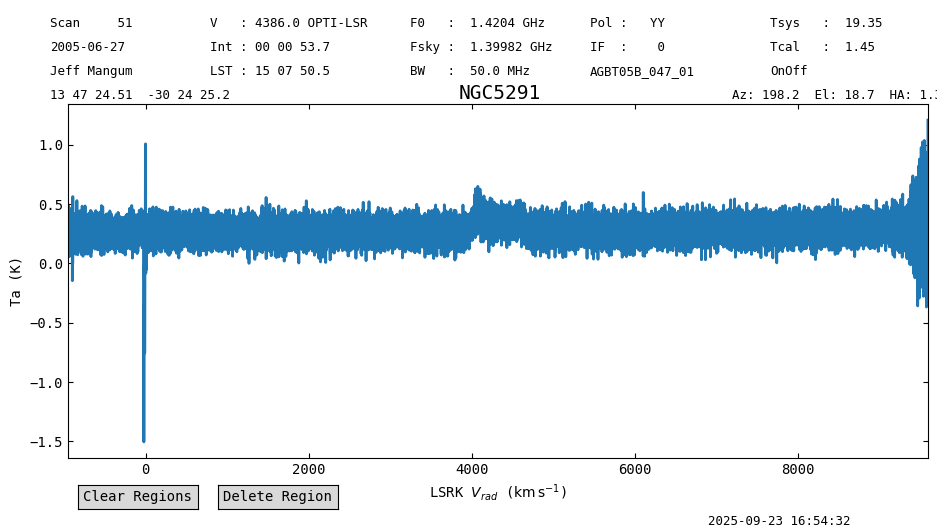
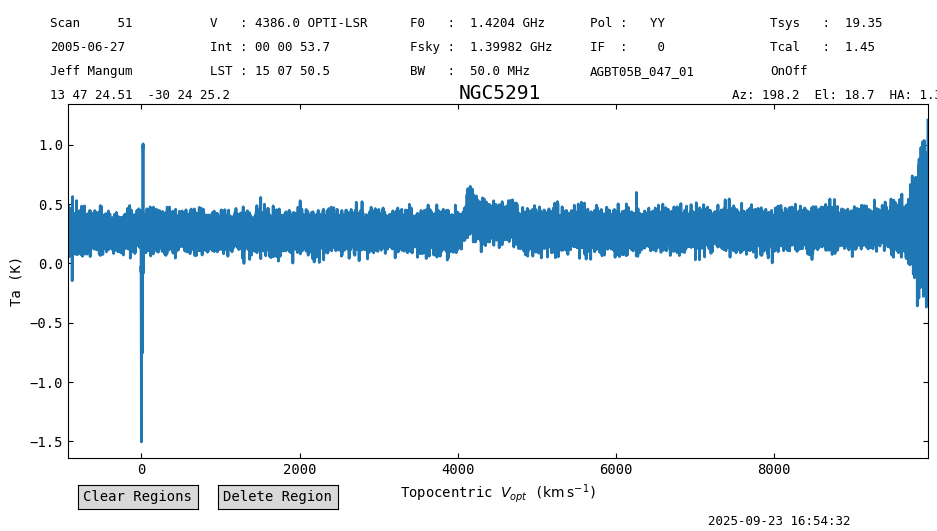
Finally, if you plot velocity units on the x-axis with no vel_frame given, it will default to the
frame decoded from the VELDEF keyword in the header if present.
ta.plot(xaxis_unit="km/s")
<dysh.plot.specplot.SpectrumPlot at 0x6ffbb9721f90>
Changing the Spectral Axis of the Spectrum.#
There are two ways to accomplish this. One returns a copy of the original Spectrum with the new spectral axis; the other changes the spectral axis in place.
A. Return a copy of the spectrum using Spectrum.with_frame()#
newspec = ta.with_frame('galactocentric')
newspec.plot()
print(f"The new spectral axis frame is {newspec.velocity_frame}")
The new spectral axis frame is galactocentric
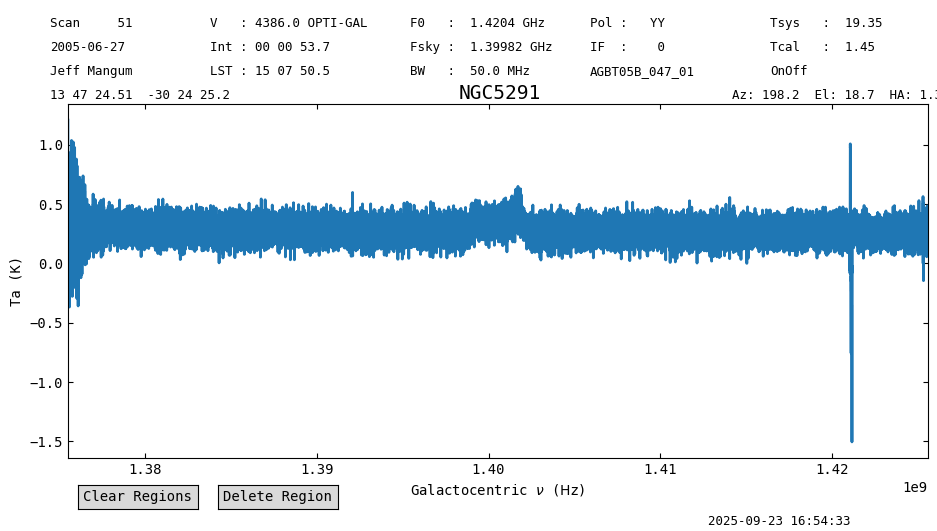
One can see that the spectral axis of the new spectrum is different.
ta.spectral_axis-newspec.spectral_axis
B. Change the spectral axis in place using Spectrum.set_frame()#
sa = ta.spectral_axis
ta.set_frame('gcrs')
print(f"Changed spectral axis frame to  {ta.velocity_frame}")
Changed spectral axis frame to gcrs
ta.plot()
<dysh.plot.specplot.SpectrumPlot at 0x6ffbb9721f90>
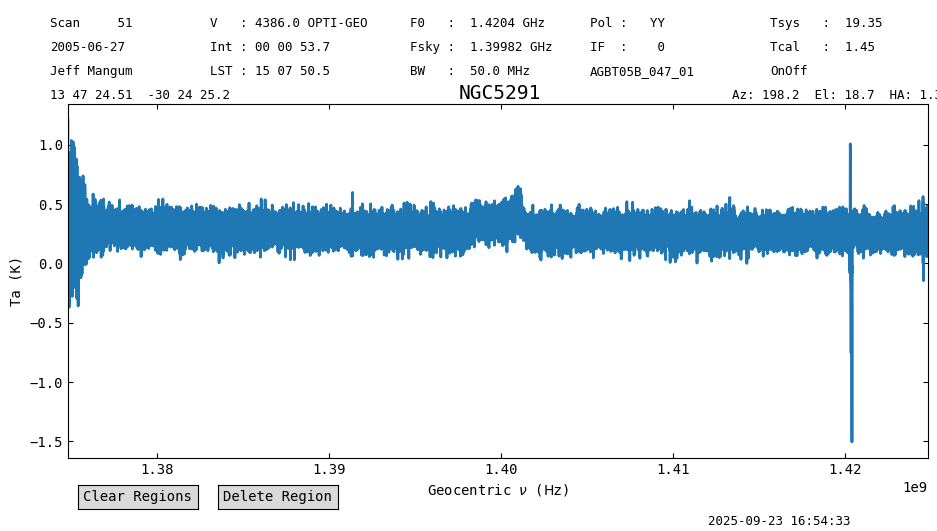
Here the original the spectral axis has changed
ta.spectral_axis - sa
ta.target
<SkyCoord (FK5: equinox=J2000.000): (ra, dec, distance) in (deg, deg, kpc)
    (206.85210758, -30.40701531, 1000000.)
 (pm_ra_cosdec, pm_dec, radial_velocity) in (mas / yr, mas / yr, km / s)
    (4.68402043e-20, -4.68402043e-20, 4386.)>
ta.observer
<GCRS Coordinate (obstime=2005-06-27T02:05:58.000, obsgeoloc=(0., 0., 0.) m, obsgeovel=(0., 0., 0.) m / s): (x, y, z) in m
    (-3418483.37116048, -3651331.51587568, 3945691.32972075)
 (v_x, v_y, v_z) in km / s
    (-4.3110922e-08, 9.51169059e-08, 6.55464828e-08)>
Other useful functions#
Spectral Axis Conversion#
Convert the spectral axis to any units, frame, and convention with Spectrum.velocity_axis_to. dysh understands some common synonyms like ‘heliocentric’ for astropy’s ‘hcrs’.
ta.velocity_axis_to(unit="pc/Myr", toframe='heliocentric', doppler_convention='radio')
Spectral Shift#
Shift a spectrum in place to a given radial velocity or redshift with Spectrum.shift_spectrum_to
print(f"before shift {ta.spectral_axis}")
ta.shift_spectrum_to(radial_velocity=0*u.km/u.s)
print(f"after shift {ta.spectral_axis}")
before shift [1.42481735e+09 1.42481582e+09 1.42481430e+09 ... 1.37482191e+09
 1.37482038e+09 1.37481886e+09] Hz
after shift [1.44593293e+09 1.44593139e+09 1.44592984e+09 ... 1.39519657e+09
 1.39519502e+09 1.39519347e+09] Hz
Spectral Axis in Wavelengths#
The default is angstrom, use Quantity.to to convert to other units.
ta.wavelength.to('cm')
Plot in Channels#
Also, you can plot the x-axis in channel units
ta.plot(xaxis_unit='chan')
<dysh.plot.specplot.SpectrumPlot at 0x6ffbb9721f90>