

Black Formatting#
VSCode#
If you are developing in VSCode, you can install black directly into the IDE and have it run every time you save a Python file.
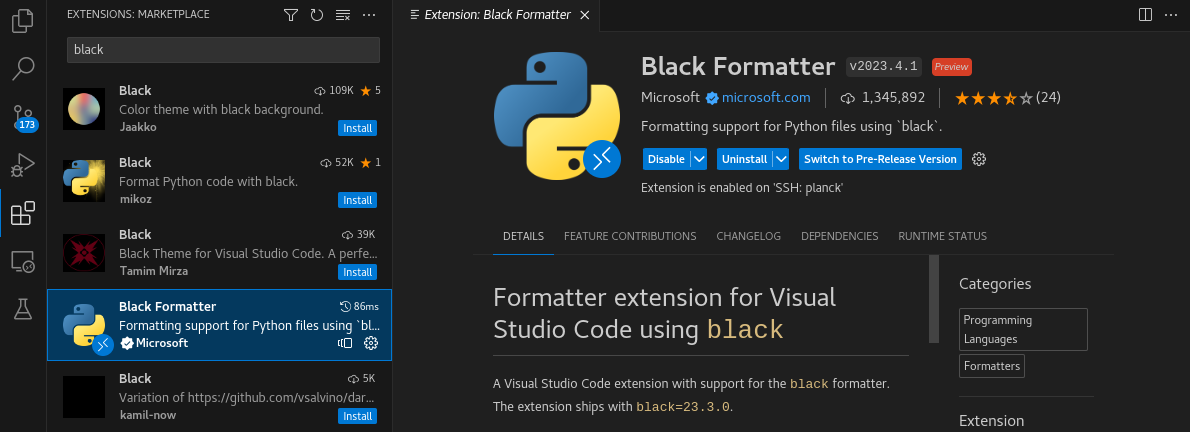
Download the Black Formatter Extension by Microsoft
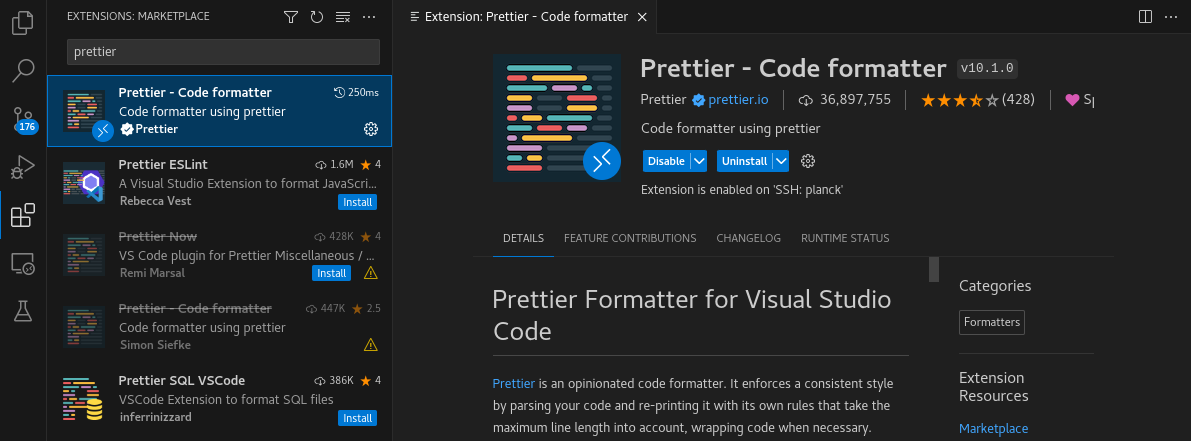
(Optional) Download the Prettier Formatter
Prettier will format files in languages besides Python. It is not required for dysh, but it does make it look nicer.
Check the VSCode Project Settings
The JSON file dysh/.vscode/settings.json contains VSCode settings for this project. The contents are as follows:
{
    "editor.defaultFormatter": "esbenp.prettier-vscode",
    "editor.formatOnSave": true,
    "[python]": {
        "editor.defaultFormatter": "ms-python.black-formatter",
        "editor.formatOnSave": true
    },
    "python.formatting.blackArgs": ["--line-length 120"]
}
If you did not install Prettier, delete the first two entries. If you do not want certain languages to auto-format on every save, then set their corresponding "editor.defaultFormatter" to false.